/01
Replace your cloud storage.
Block-level file sync to every device you own, with version history and selective sync. Your files, your disk, reachable on your Tailnet or your domain.
$ ryra add seafile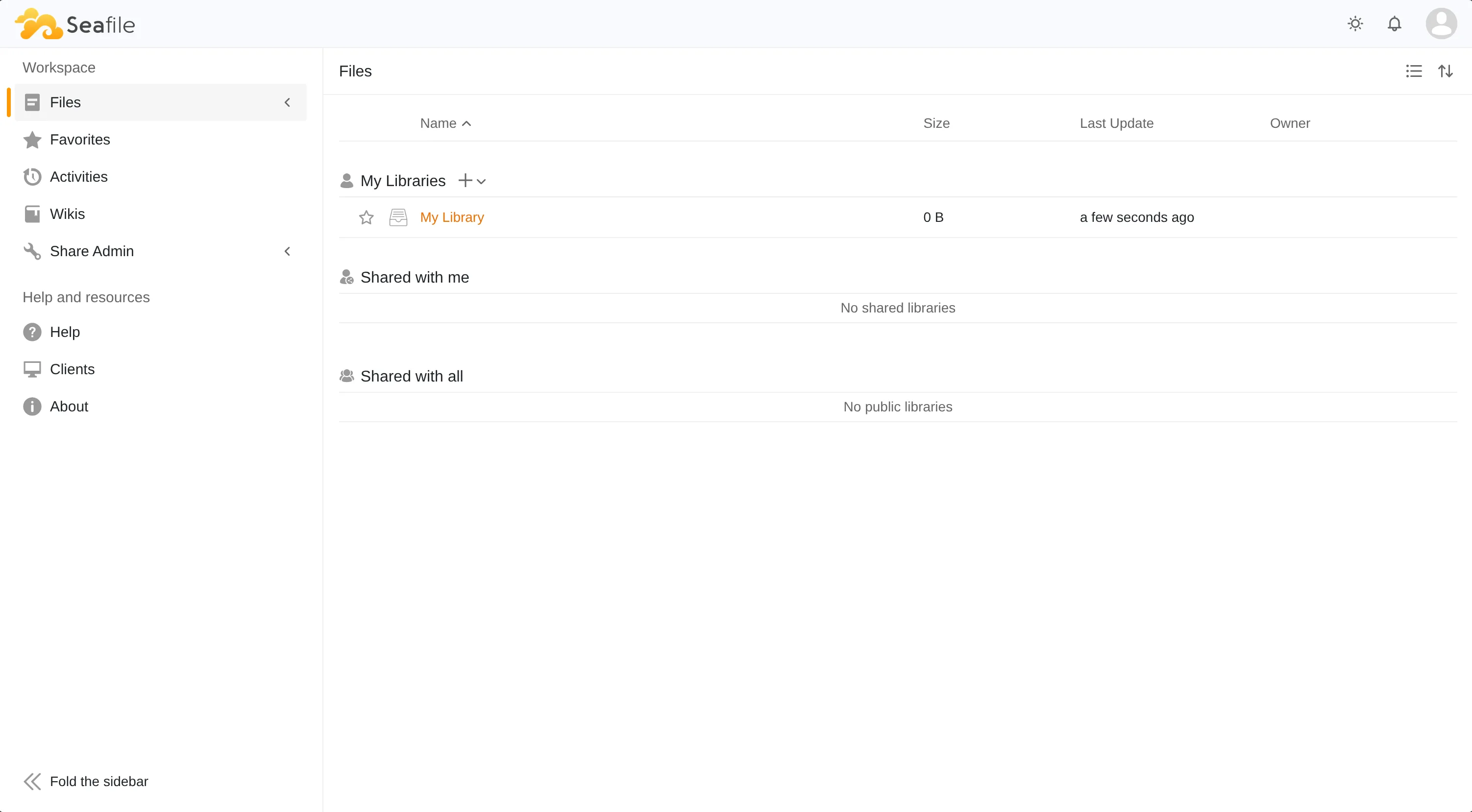
Scaffolds rootless, daemonless podman containers wired with the same authorization system (SSO), e-mail system (SMTP), and automatic end-to-end encrypted backups. The default registry covers useful services, each tested in a fresh virtual machine, and the test framework is simple enough that you can have an AI add new services and prove they work the same way.
| SERVICE | STATUS | URL |
|---|---|---|
| caddy | running | http://127.0.0.1:8080 |
| forgejo | running | http://127.0.0.1:3000 |
| immich | running | https://immich.tail-ryra.ts.net |
| vaultwarden | running | https://vault.tail-ryra.ts.net |
Every service is one folder symlinked into systemd. Ryra writes the files and exits; systemctl and journalctl take it from there.
01Every container runs under your user via podman, as a plain systemd unit you could have written by hand.
02A test.toml beside each service declares HTTP probes, Playwright clicks, and mail deliveries; ryra test runs them in throwaway QEMU VMs.
03Container images self-update via podman-auto-update; registry changes preview as a diff and revert cleanly if something breaks.
04Per-service encrypted snapshots push to any S3-compatible store like MinIO. The key never leaves your machine.
05Any OIDC-capable service in the registry gets SSO via Authelia: clients registered, callbacks set, env vars injected.
06
Run ryra search or view available services to see what's in the default
registry. A few of the highlights:
Block-level file sync to every device you own, with version history and selective sync. Your files, your disk, reachable on your Tailnet or your domain.
$ ryra add seafileTasks, kanban boards, and a calendar. Add a todo from your phone, tick it off on your laptop, share a project with your team.
$ ryra add vikunja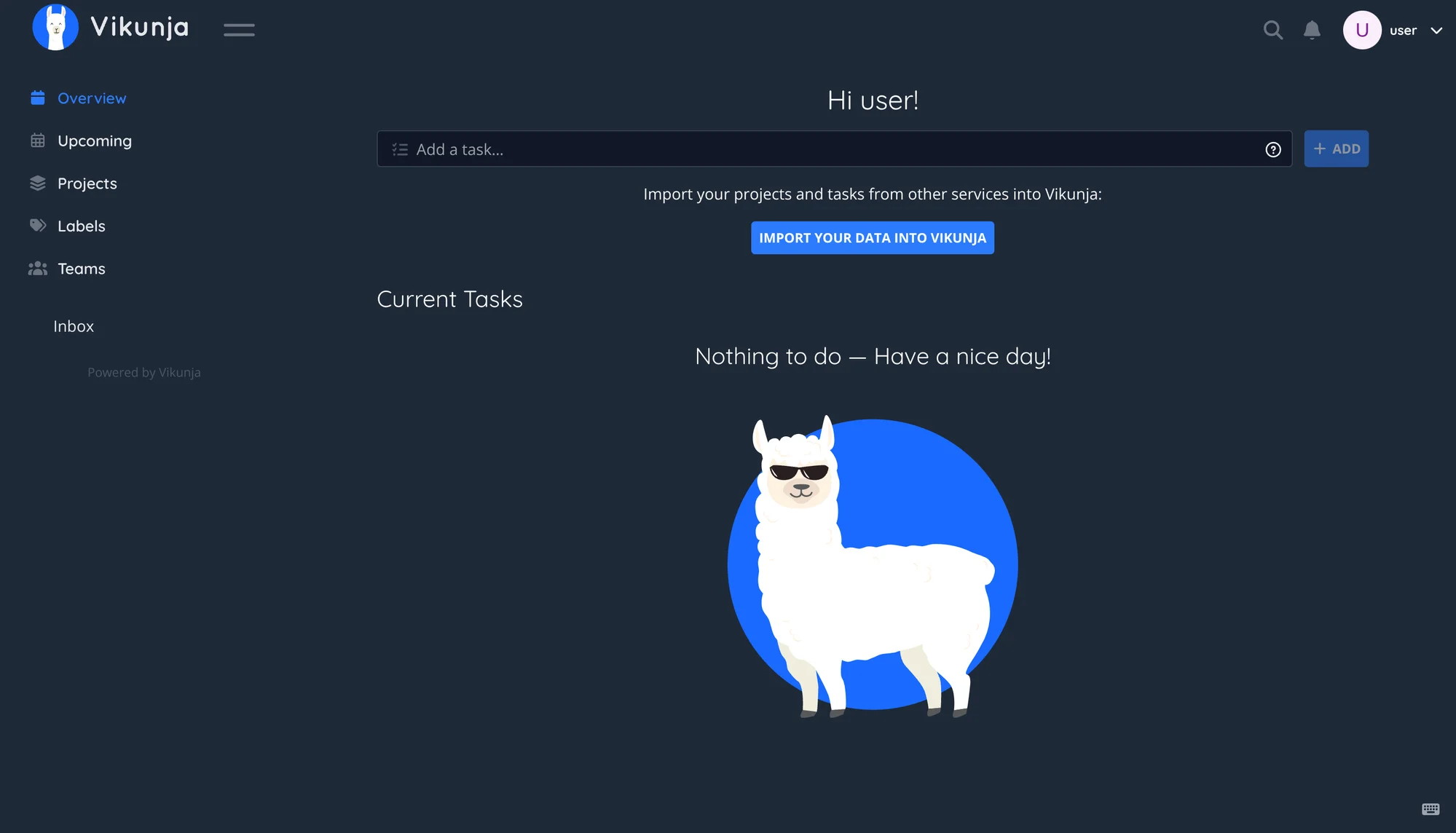
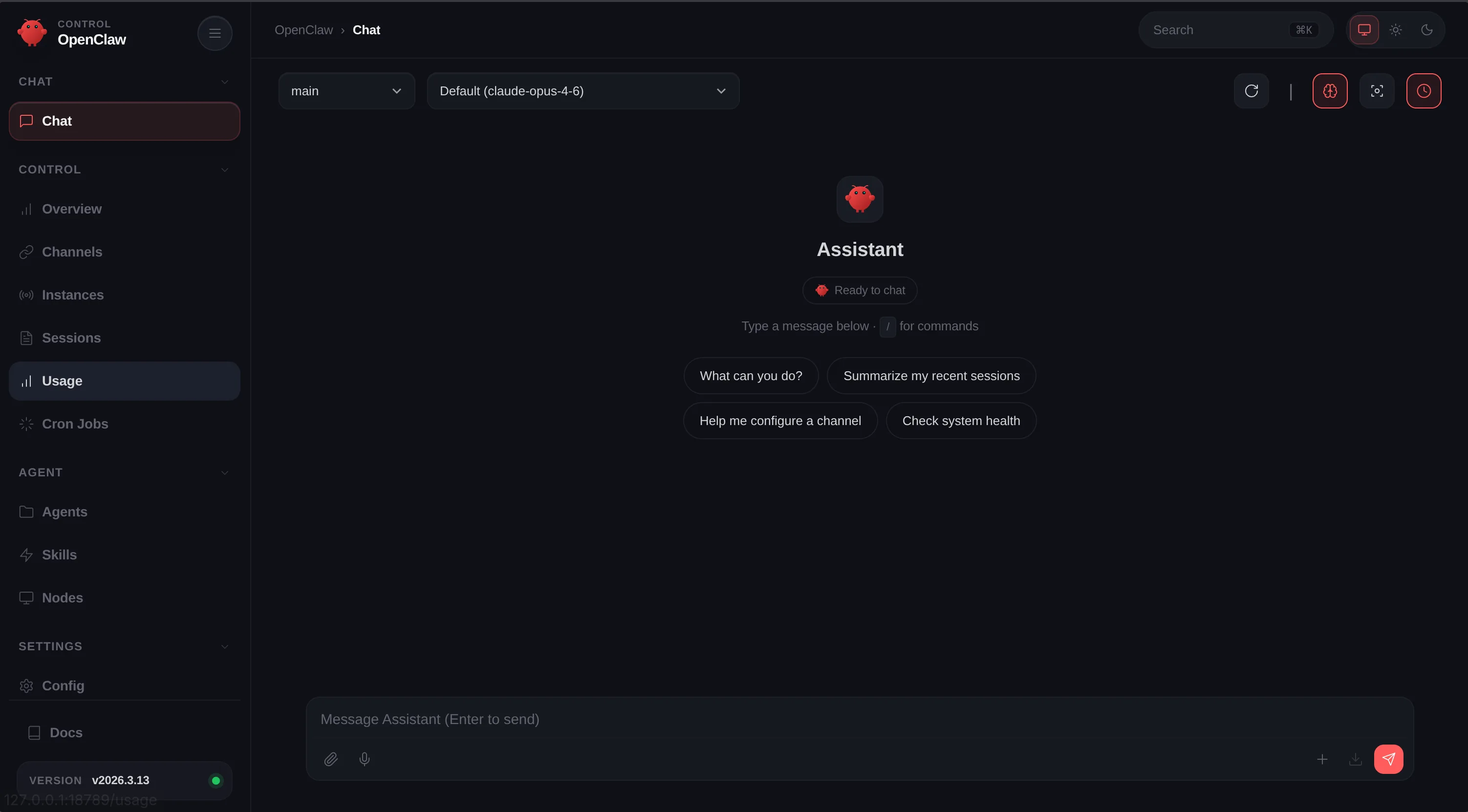
Your own gateway in front of OpenAI and Anthropic. One place to hold the API keys, one URL to point your agents at, audit logs you control.
$ ryra add openclawMore in the default registry. Browse them all →
The registry is a folder of service.toml and quadlet files. Drop a definition in
for my_app (or whatever you need), point ryra at your own registry, install with the same command.
$ ryra registry add my_registry https://github.com/you/registry
$ ryra add my_registry/my_app
If you can write a systemd unit, you can extend ryra (or use ryra test to let an AI agent write one for you).
![A service.toml definition for DocuSeal showing the [service] block (name, description, url, architecture), RAM requirements, an HTTP port on 3000, and a HOST environment variable templated from service.external_url.](/screenshots/custom.webp)
Every backup-enabled service ships encrypted snapshots to an S3-compatible store like MinIO, ideally on a separate machine over your tailnet. The key stays on the box that made the backup; whoever holds the storage just sees ciphertext.
$ ryra backup
Add the SSO provider with one command. Every service that speaks OpenID Connect hooks
into it on ryra add after that. One sign-in for files, photos, tasks, the lot.
$ ryra add seafile immich
Every quadlet, env file, network, and bind-mounted data directory for a service lives
under ~/.local/share/services/<name>/. Back up the whole folder with
tar, just the data dirs like db-data/ and upload/,
or hand it off to ryra backup for encrypted snapshots pushed to any S3-compatible store like MinIO.
Move it to another box, the service comes with it.
.
├── immich
│   ├── configs
│   ├── db-data
│   ├── immich.container
│   ├── immich-machine-learning.container
│   ├── immich.network
│   ├── immich-postgres.container
│   ├── immich-valkey.container
│   ├── metadata.toml
│   ├── model-cache
│   ├── service.manifest
│   └── upload
├── openclaw
│   ├── config
│   ├── metadata.toml
│   ├── openclaw.container
│   └── service.manifest
└── seafile
    ├── configs
    ├── db-data
    ├── metadata.toml
    ├── seafile.container
    ├── seafile-mariadb.container
    ├── seafile.network
    ├── seafile-redis.container
    ├── service.manifest
    └── shared
SMTP credentials, OIDC provider, Tailscale key, custom registries: all the cross-service settings ryra reads at startup live in a single TOML file. The rest is just service folders.
.
└── preferences.toml
Each .container and .network is symlinked from its service folder
into ~/.config/containers/systemd/, where systemd's user generator picks it up.
Remove the service and the symlink goes with it.
.
├── immich.container
│       → ~/.local/share/services/immich/immich.container
├── immich-postgres.container
│       → ~/.local/share/services/immich/immich-postgres.container
├── immich.network
│       → ~/.local/share/services/immich/immich.network
├── openclaw.container
│       → ~/.local/share/services/openclaw/openclaw.container
├── seafile.container
│       → ~/.local/share/services/seafile/seafile.container
└── seafile.network
        → ~/.local/share/services/seafile/seafile.network
Containers run rootless under your user via podman. No Docker daemon, no privileged sockets, no permanent sudo. Elevated permissions only when there's no alternative, never sticky.
Ryra is a scaffolding tool, not a runtime. It writes plain systemd units and exits; systemd owns the lifecycle, the data lives in plain folders, the configs are text. Uninstall ryra and your stack keeps running.
Every registry service has an end-to-end test that boots a fresh QEMU VM and asserts the full lifecycle: install, HTTP, OIDC, SMTP, removal. The same loop runs in CI and on your laptop.
# Linux · Debian / Ubuntu / Fedora / Arch
$ curl -fsSL https://ryra.dev/install.sh | sh

# browse the registry
$ ryra search
SERVICE       SUPPORTS      DESCRIPTION
────────────────────────────────────────────────
seafile       oidc, smtp    File sync & share
immich        oidc          Photo & video management
nextcloud     oidc, smtp    Files & collaboration
vaultwarden   smtp          Password vault
…
ryra test boots an ephemeral QEMU VM, installs whatever combination of
services you want, and runs assertions end to end. Wire SSO, a reverse proxy, your
photo library, and your file sync, prove sign-in works across all four, throw the VM
away. Your real machine never sees the experiment until you're sure.